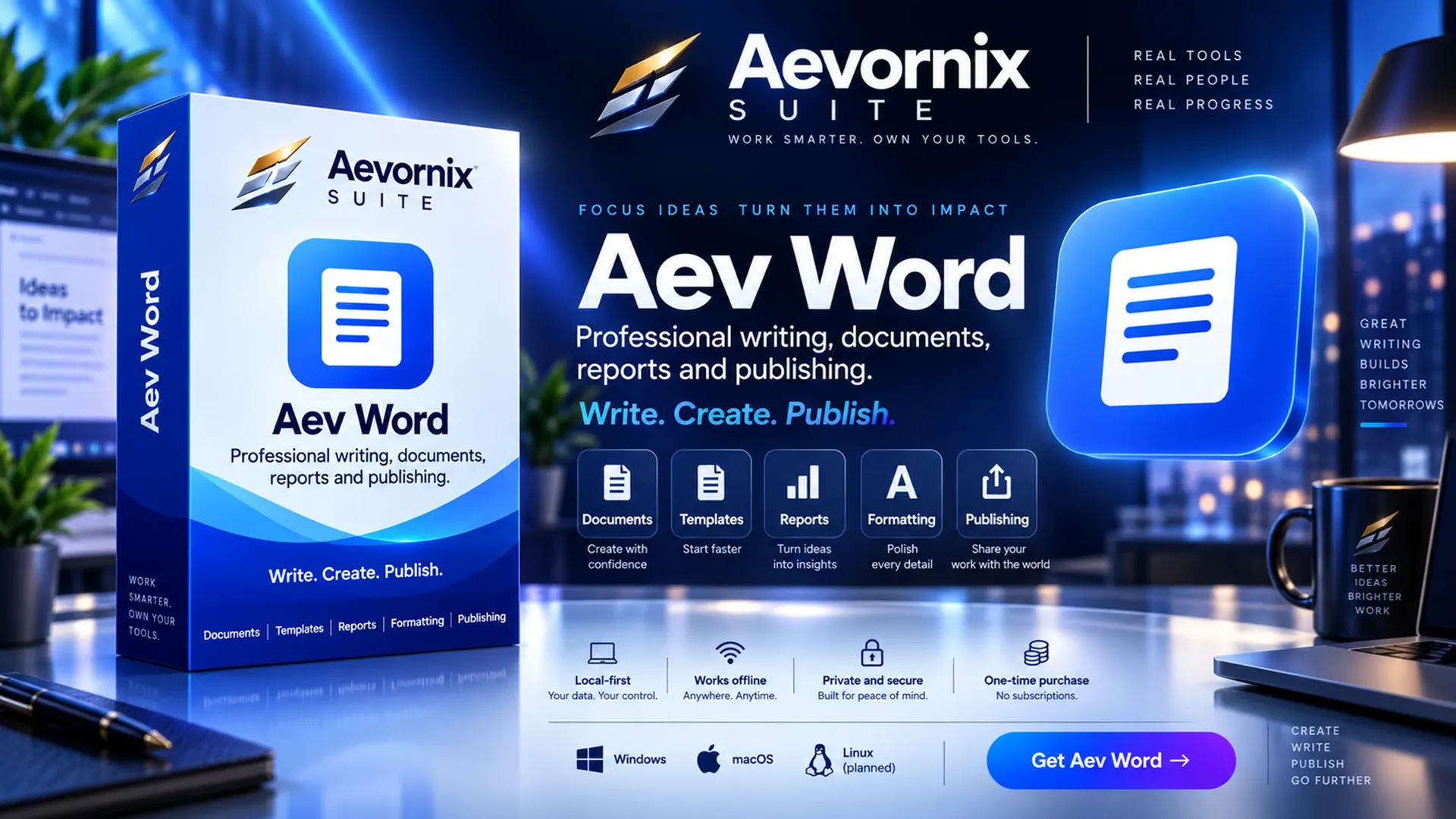
Focus ideas. Turn them into impact.
Aev Word
Write. Create. Publish.
Professional writing, documents, reports and publishing.
From £19.99Students from £9.99 with a verified education email
Home, Student, Professional and Business licences. One-time purchase.
- Windows 10 and 11 (64-bit)
Features
What Word does
Documents
Styles, tables, images, headers, footers and comments.
Formats
Opens DOCX, ODT, RTF, Markdown and HTML. Exports PDF.
Word compatibility
A DOCX saved here opens in Word with no repair prompt; text boxes and shapes are kept.
Linked tables
A range copied from Aev Book refreshes when the workbook changes.
Autosave
Autosave, recovery and search across saved documents.
- Local-firstYour data. Your control.
- Works offlineAnywhere. Anytime.
- Private and secureBuilt for peace of mind.
- One-time purchaseNo subscriptions.
Overview
About Aev Word
Aev Word is a desktop word processor for documents and reports. It runs on your own computer, keeps files there, and needs no account or server. It is part of the Aevornix Suite.
In the current release
- Documents with styles, tables, images, headers, footers and comments.
- Opens DOCX, ODT, RTF, Markdown and HTML, and exports PDF.
- A range copied from Aev Book pastes into Aev Word as a linked table that refreshes when the workbook changes.
- A DOCX from Word, saved again by Aev Word, opens in Word with no repair prompt; text boxes and shapes inside text are kept, and rich text paste works.
- Autosave and recovery, and search across saved documents from Aev Word, Aev Book and Aev BI.
Problems it solves
- Writing documents without a cloud account
- Opening Word, OpenDocument and Markdown files on one desktop app
- Keeping reports on your own disk
Offline and local
Aev Word works with no internet connection. Documents are ordinary files on your computer; nothing is uploaded to an Aevornix server.
Made for
- Students
- Freelancers and consultants
- Small offices
Formats
- Opens
- DOCX, ODT, RTF, Markdown, HTML
- Exports
Screenshots
Aev Word on screen
- Aev Word
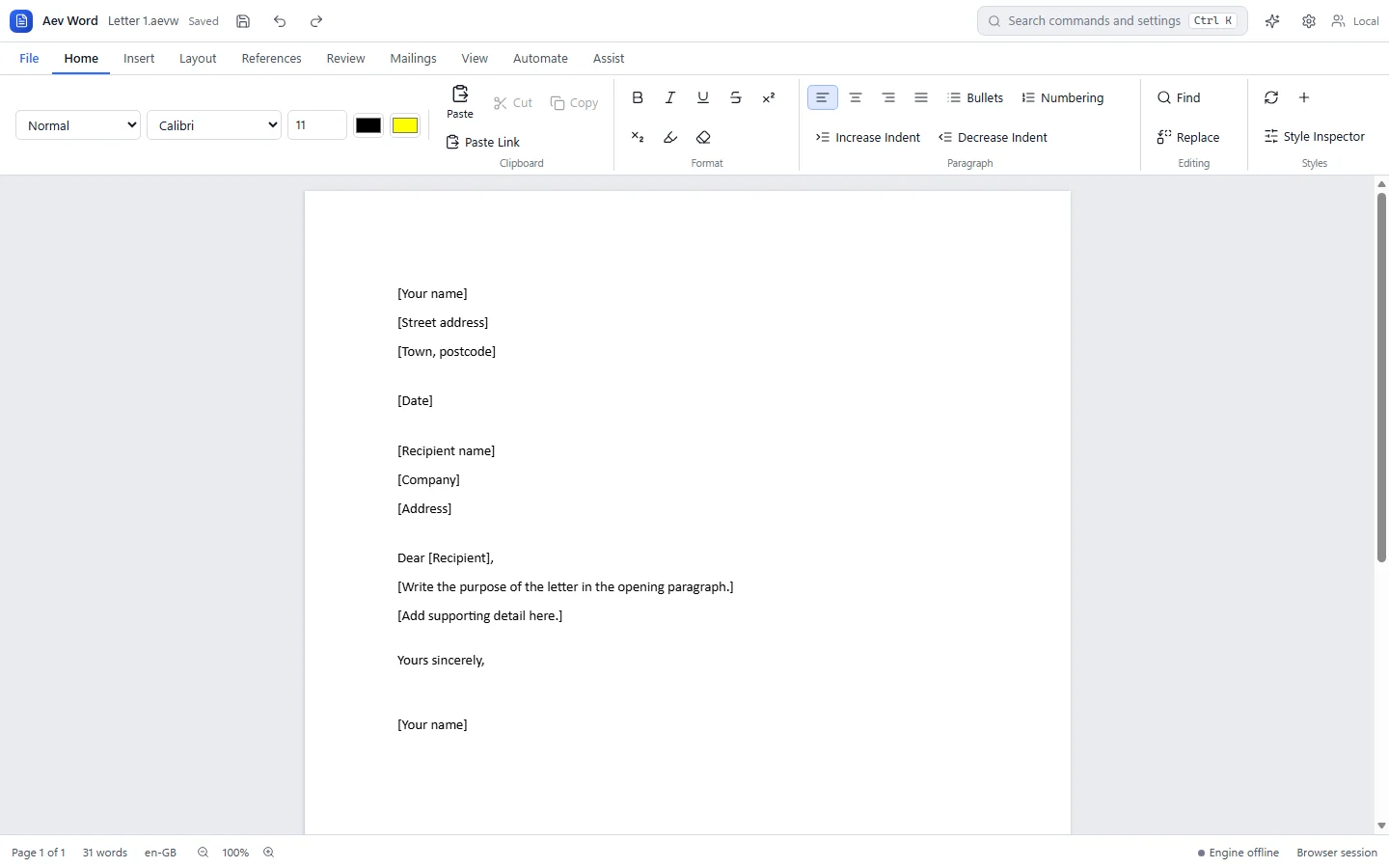
Aev Word with the Home ribbon open over a blank letter template containing placeholder fields for address, date and recipient.
Buy
Own Aev Word
One-time purchase. Choose the licence that matches how you will use it.
Consumers can cancel within 14 days until the licence is delivered, and faulty software stays covered by statutory rights afterwards. Refund terms
- 1 named user
- Up to 3 personally owned devices
- Personal and household use
- Non-commercial use
- Maintenance updates included
- One-time purchase, permanent licence for this major version
Professional adds commercial use for £20.00 more.
Total
£19.99
Aev Word, Home licence. Prices in GBP. Compare licences
Details
Requirements and licence
System requirements
- Windows 10 or Windows 11, 64-bit
- Installer downloaded from your order page after purchase
Release: Early access, version 1.6.0
Early access means the capabilities listed above are built and checked; what is still being learned is how the application behaves across a wide range of machines. Updates for this major version are included in the licence.
Released
All system requirementsLicence
- One-time purchase in Home, Student, Professional or Business tiers.
- Permanent for the major version you buy, with maintenance updates for that version.
- Future major versions are separate upgrades.
Not yet included
- Import fidelity work, enterprise controls and collaboration are still in development.
Aev Word questions
Can Aev Word open Microsoft Word files?
Yes. Aev Word opens DOCX files, as well as ODT, RTF, Markdown and HTML, and exports PDF. Work on import fidelity is ongoing, so complex layouts may not match exactly.
Do I need an Aevornix account to use Aev Word?
No. Aev Word runs on your own computer with no Aevornix account and no Aevornix server.
Is it a subscription?
No. Each licence is a one-time purchase, permanent for the major version you buy, and includes maintenance updates for that version. Future major versions are separate upgrades. See how licences work.